
One Mac app for all your email.
A fast, privacy-focused email app for Mac that brings all your accounts together in one inbox.
Free for 7 days. No account, no credit card. For Mac, macOS 12 Monterey or later.
What Sutok does
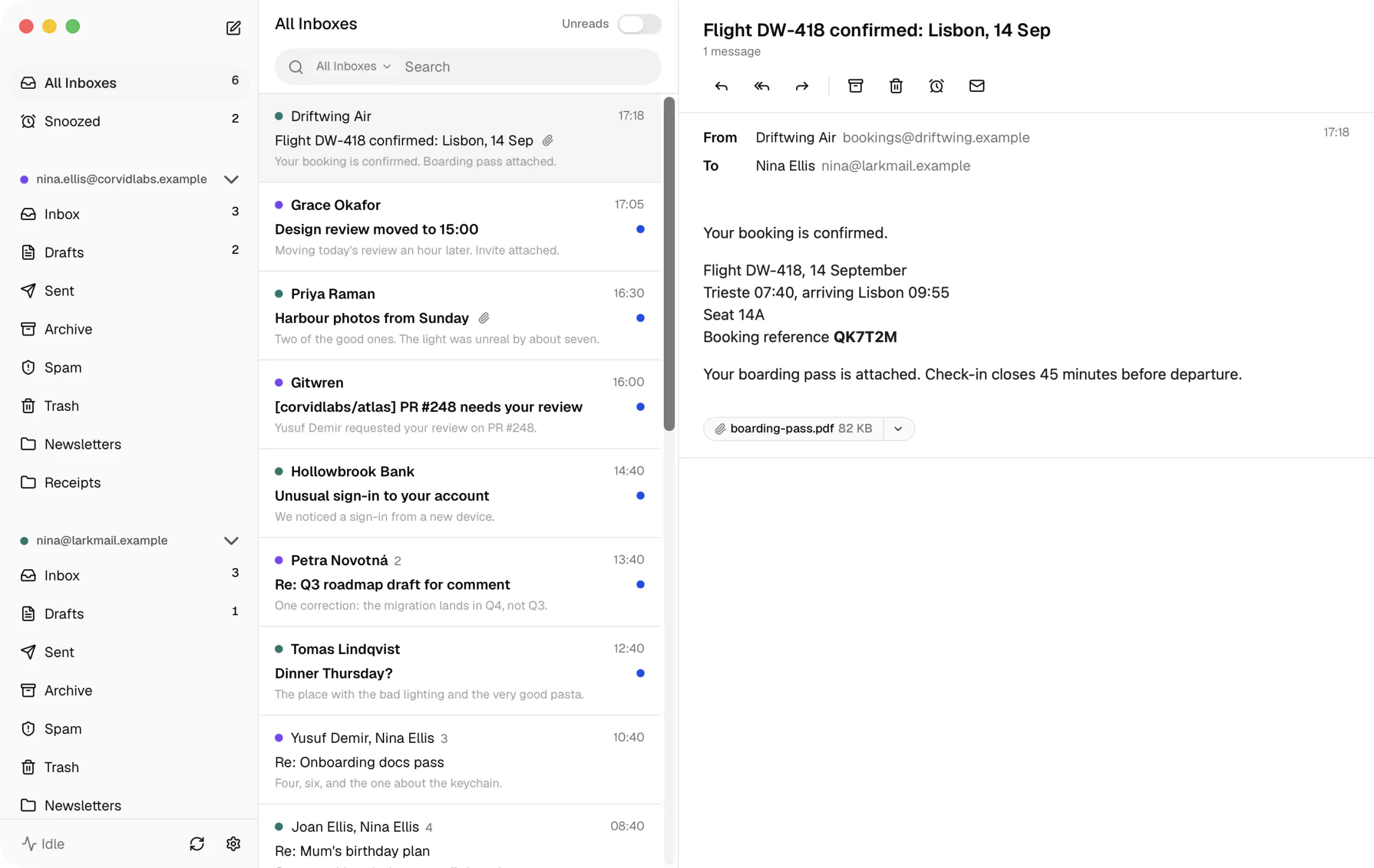
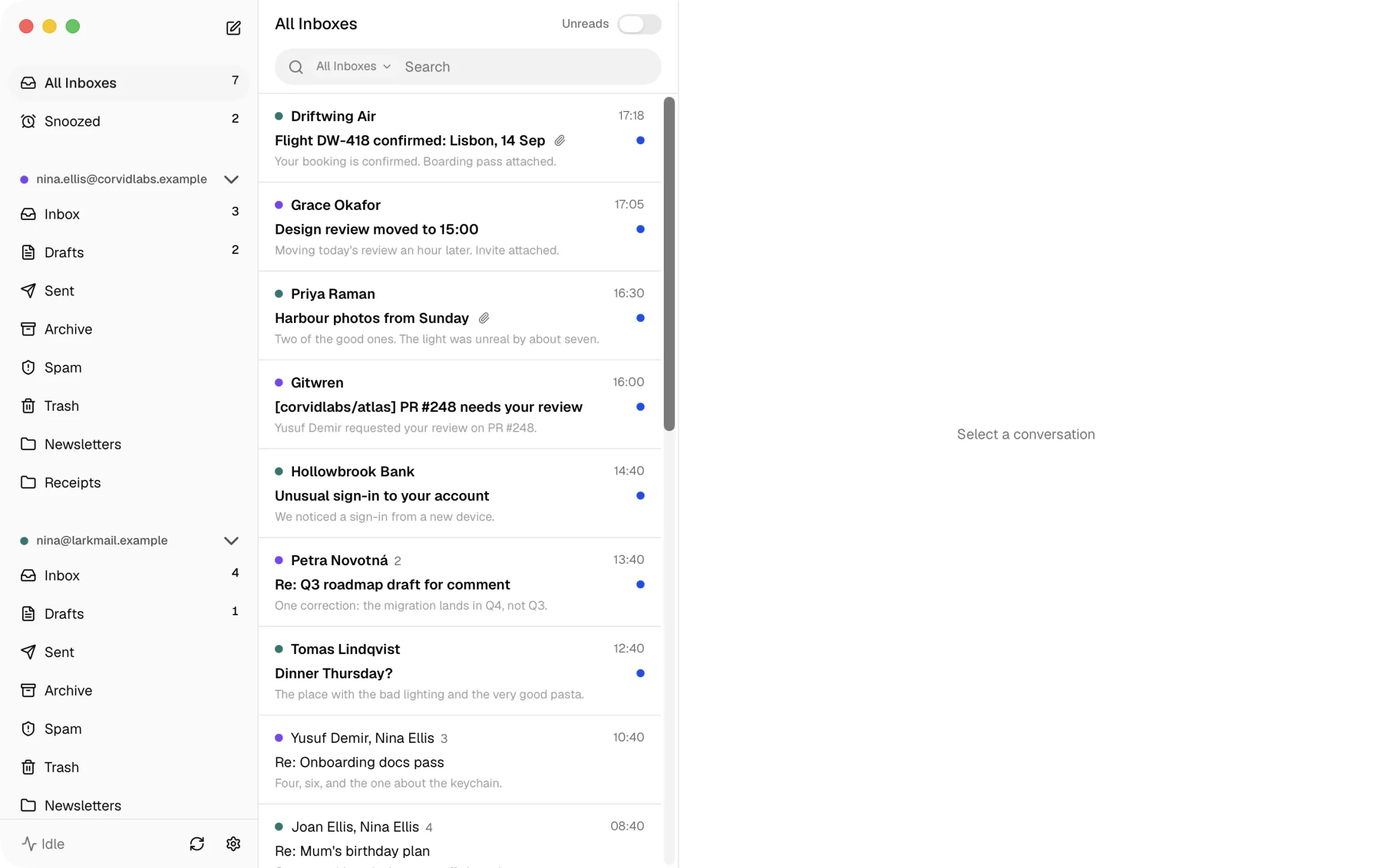
Every account, one inbox
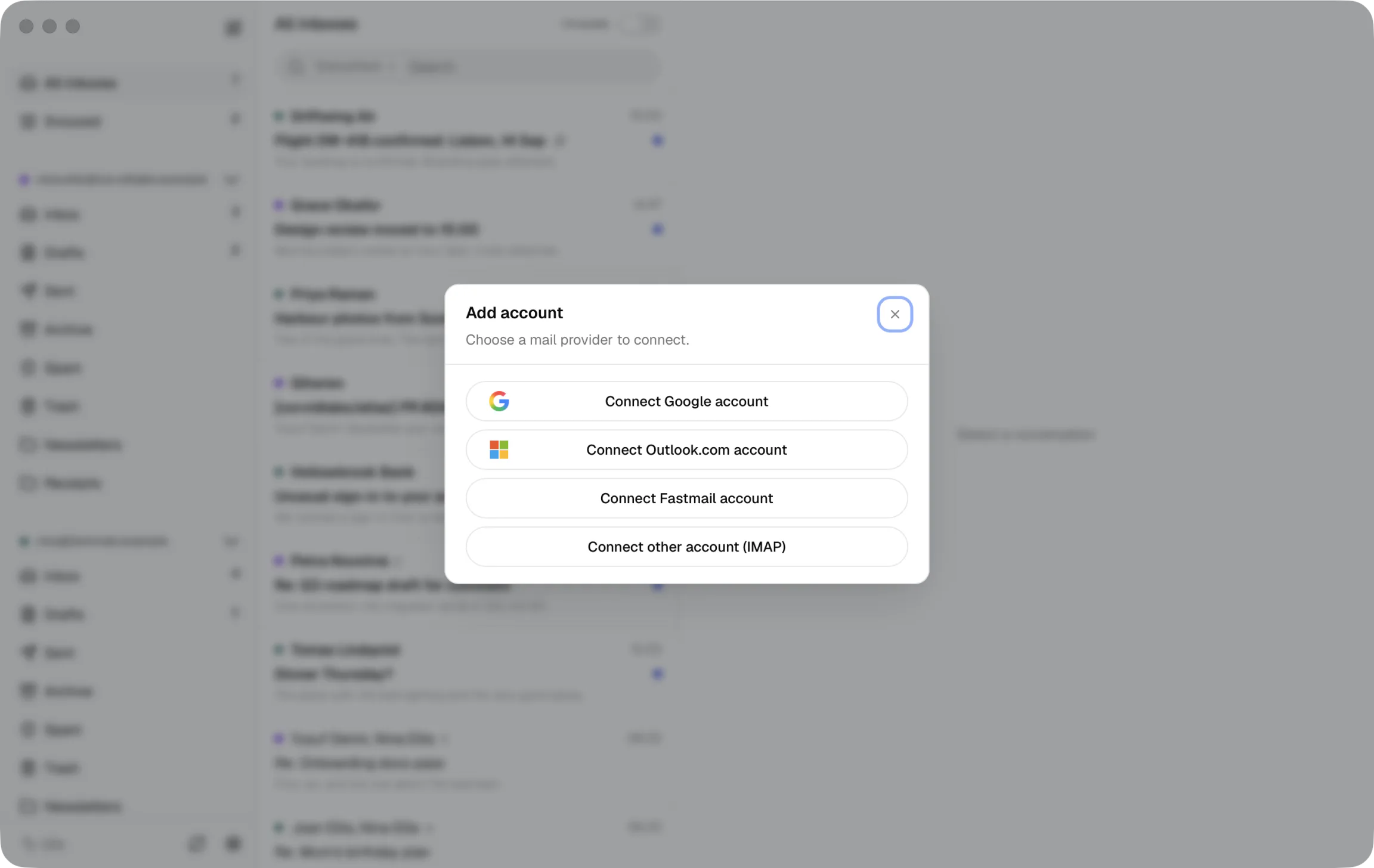
Google, Microsoft, Fastmail, and any IMAP account, read together or one at a time.
Mail stays off our infrastructure
Your Mac talks directly to your mail provider, and its local mail mirror stays on your Mac. For Gmail in particular, see how Sutok uses Google data.
Every account feels familiar
Sutok gives every account a consistent view of the folders you use most: Inbox, Drafts, Sent, Archive, Trash, and Spam. You choose which folders to show.
Fast search across all accounts
Results from the mail already on your Mac appear as you type. For anything older, you can expand the search on your providers.
Passwords in the Keychain
Kept where macOS keeps your Safari passwords. For Google and Microsoft accounts, authentication stays with the provider.
Simple by design
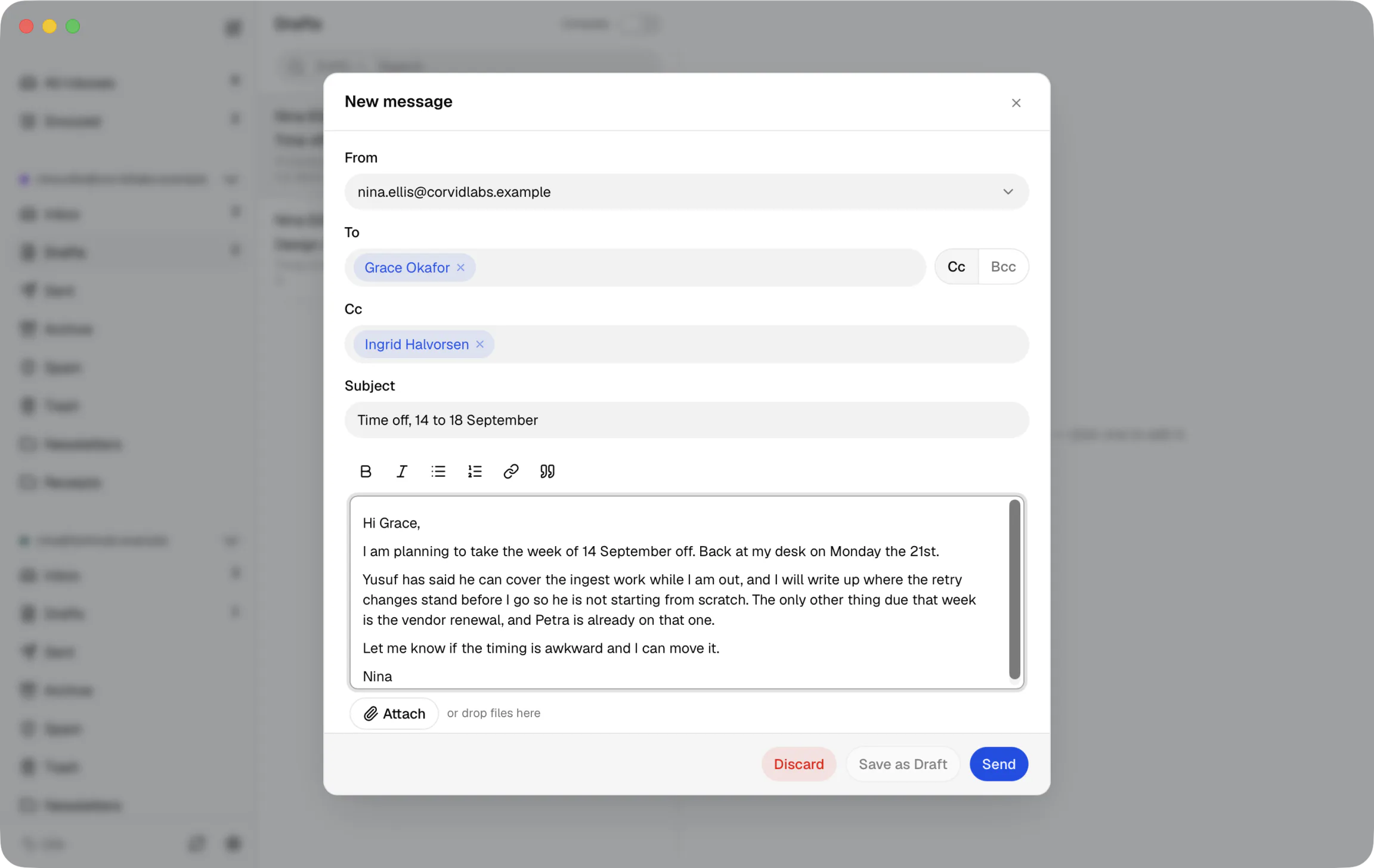
Sutok stays out of your way, keeping everyday email clear and easy to use without unnecessary clutter.
$49, once.
Pay once. No subscription.
- The app, yours to keep
- Nothing renews, ever
- Use on every Mac you own
Or try it free for 7 days first. No credit card, and no account to create.